Bring Cadence's timers into OBS Studio two ways: a transparent NDI® source for a clean overlay, or a web page you add as a Browser Source. Cadence runs the clock; OBS just shows it. vMix gets deeper hooks still.

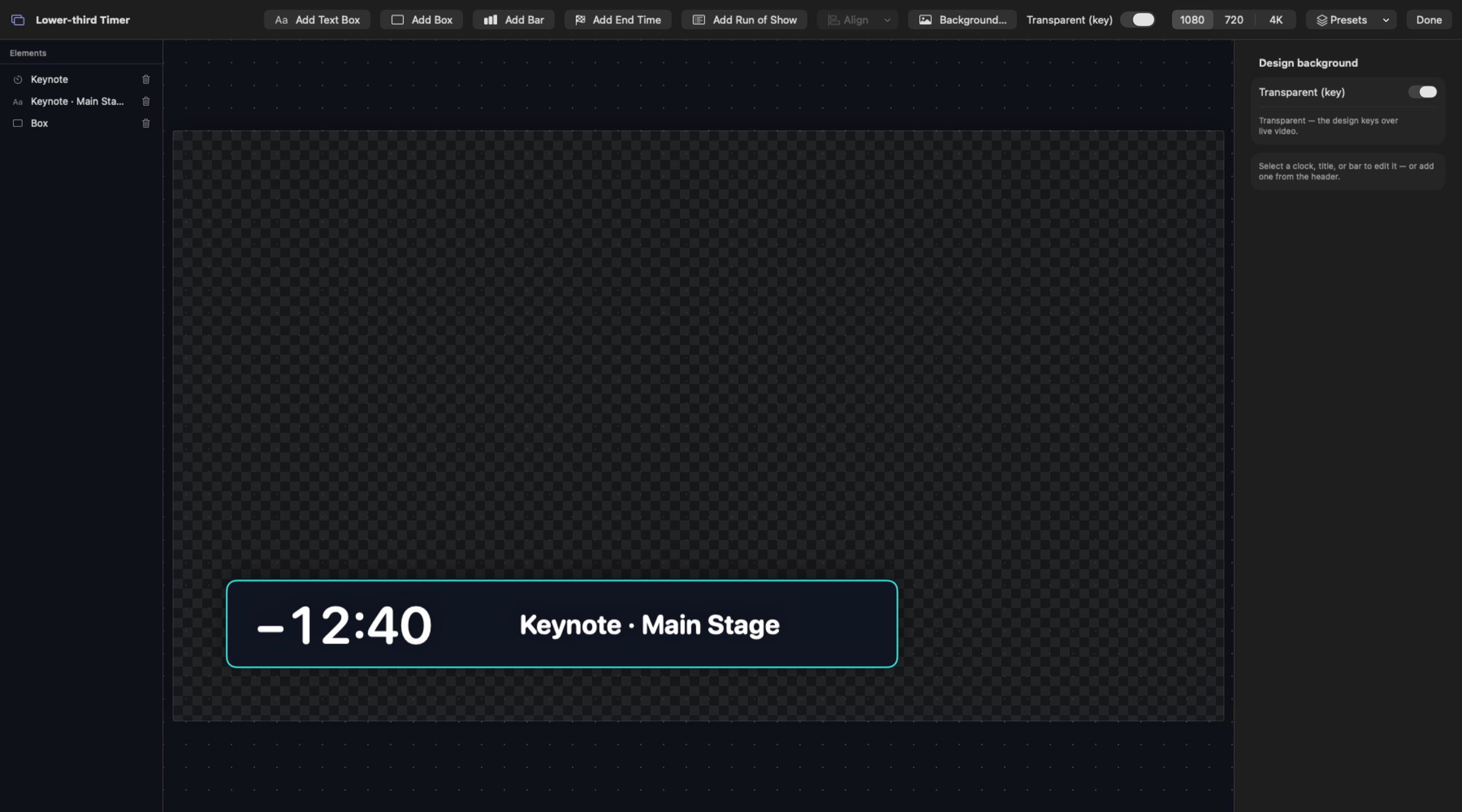
Build the countdown in Cadence's Designer and turn on Transparent (key) so it overlays cleanly.
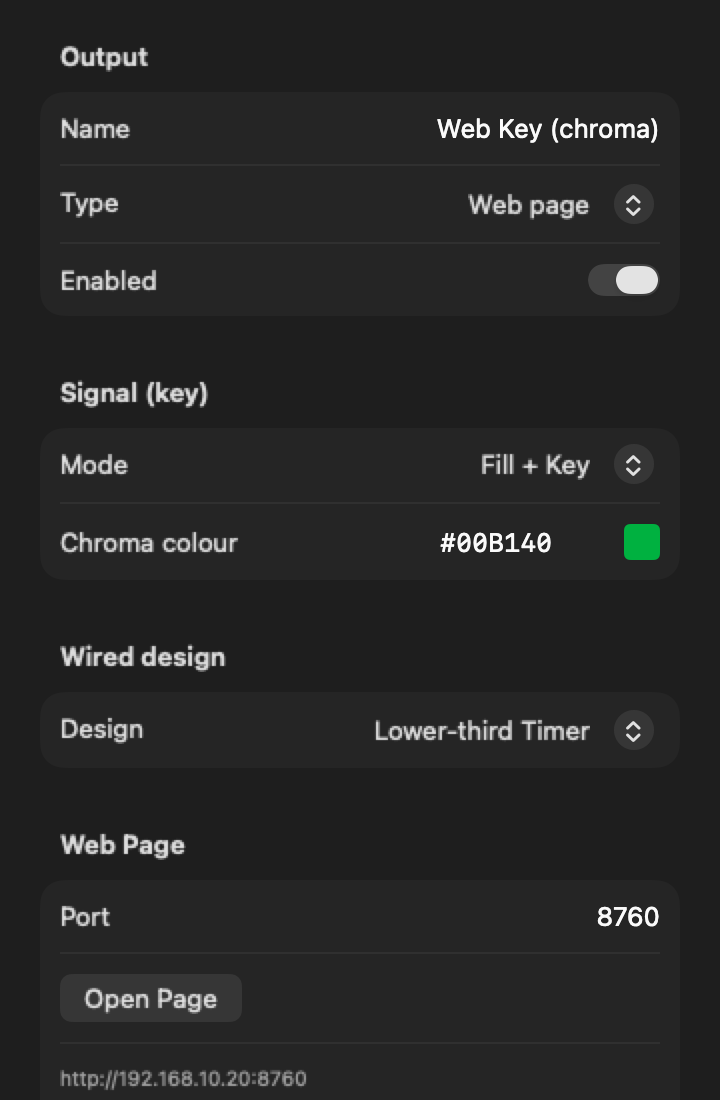
Outputs ▸ NDI sends a transparent video source at 59.94 fps. Outputs ▸ Web Page serves the design at an address like http://<Mac IP>:8760.
In OBS, add it as an NDI source (with an NDI plugin for OBS), or as a Browser Source with a Chroma Key filter on the output's chroma colour (#00B140 by default).
Cadence itself, running a demo show. Clips are recorded in real time from Cadence's own renderer.


A keyable video source at 59.94 fps in 720p, 1080p or UHD. The best route for an overlay that has to look broadcast-clean.
The Web Page output works in any browser on your network. Set a chroma colour and key it out with OBS's Chroma Key filter.
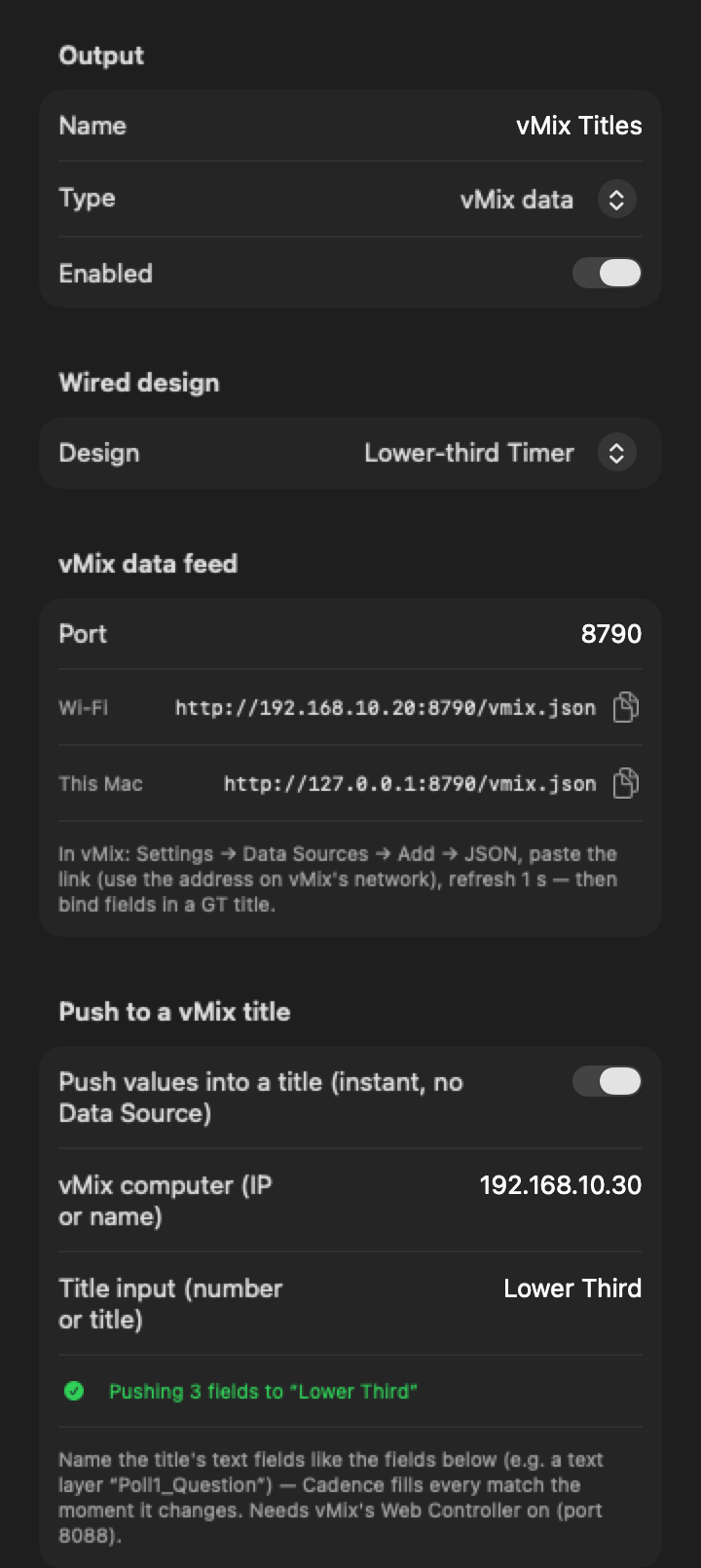
Follow a vMix countdown input, drive a vMix countdown with Set + Start and Pause, or feed a vMix Data Source (or push straight into a title) with each timer's time and state.
Start, pause, adjust and reset from Bitfocus Companion, or from a Producer page on any phone.
The same outputs carry time of day, messages, the run of show and live audience poll results.
Timers keep running if OBS reloads a scene, because the time is kept by Cadence, not the browser source.
Web pages update 10 times a second and can't carry true transparency, only a chroma colour. For a frame-accurate transparent overlay, use NDI. Cadence doesn't encode or stream; OBS or vMix does that.
Use Cadence's NDI output with Transparent (key) on, and add it in OBS as an NDI source. OBS needs an NDI plugin for that.
Yes. Add the Web Page output's address as a Browser Source, set a chroma colour in Cadence, and key it with OBS's Chroma Key filter. No plugin needed.
Yes: as an NDI input, by following or driving a vMix countdown, and through the vMix data feed for Data Sources and titles (vMix's Web Controller must be on).
No. NDI and the Web Page output both work across your local network.
No. Cadence makes the clock; your streaming software sends the stream.
The Cadence beta is free: every feature unlocked for 2 months, on up to 2 Macs.