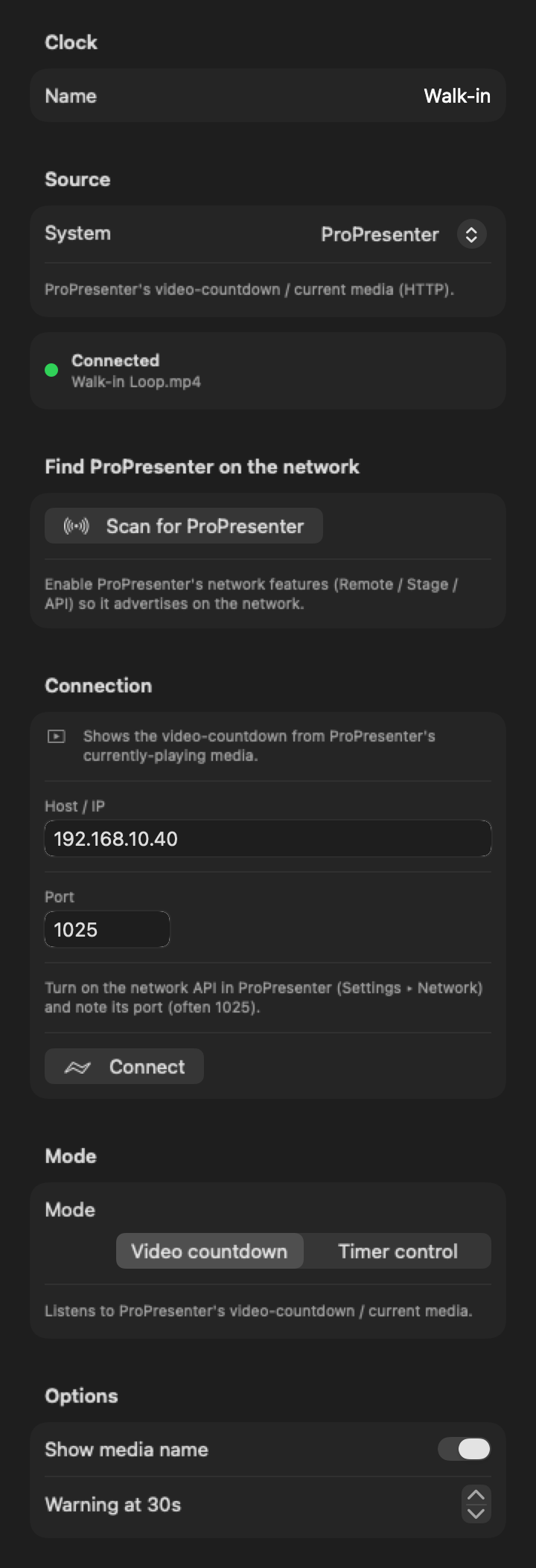
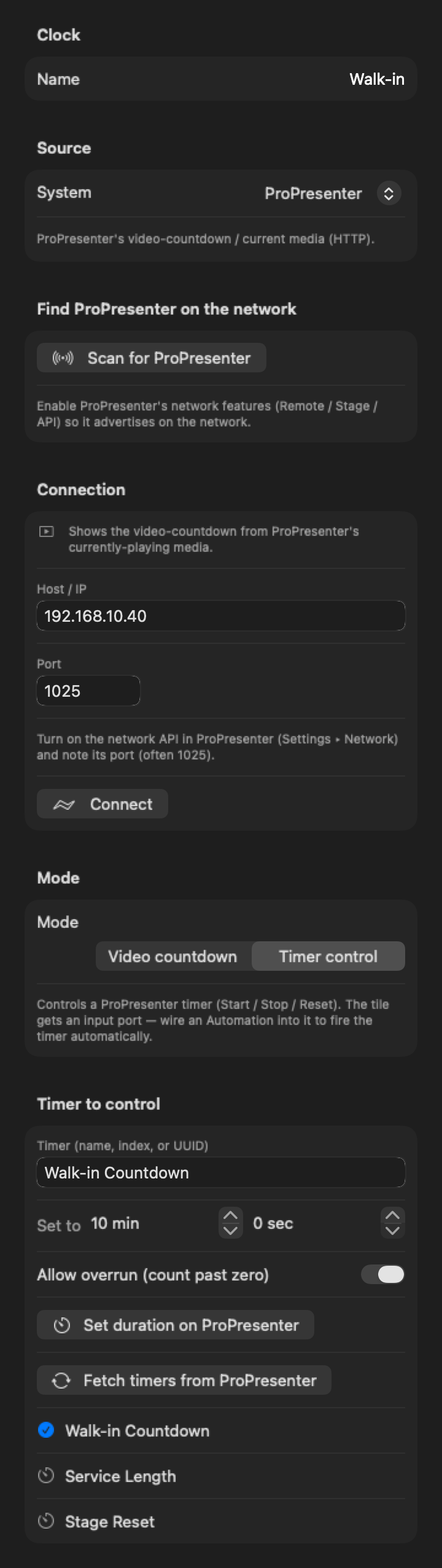
Cadence connects to ProPresenter 7 over its network API. Follow the video countdown that's playing, or run a ProPresenter timer from Cadence, then put that time on any display, NDI®, SDI or web output, styled your way.

In ProPresenter, open Settings ▸ Network, turn on the network API, and note the port (often 1025).
Choose Sources ▸ External Clock, set System to ProPresenter, pick it from the list Cadence finds on the network (or type the host and port), and click Connect.
Video countdown follows the media that's playing. Timer control runs one of ProPresenter's timers. Wire it into a design like any other clock.
Cadence itself, running a demo show. Clips are recorded in real time from Cadence's own renderer.


Cadence reads the time left on the playing video, with its name, about three times a second. Add a warning at any number of seconds.
Pick a timer by name, number or ID (or fetch the list), set its duration, and start, stop or reset it. The tile shows its live value.
Once connected, it's an ordinary Cadence clock: put it on a stage display, a confidence monitor, NDI®, SDI, a web page or the cloud.
Style it in the Designer with any installed font, colour and layout, next to the sermon timer, time of day or the run of show.
Start, stop and reset ProPresenter timers from Bitfocus Companion, Producer pages or Cadence Automations.
A sermon or message timer that tracks the walk-in video and the service schedule, without another operator.
Cadence reads and controls ProPresenter; it doesn't write to ProPresenter's own stage display, messages or slides. Put Cadence's display output on the confidence monitor instead.
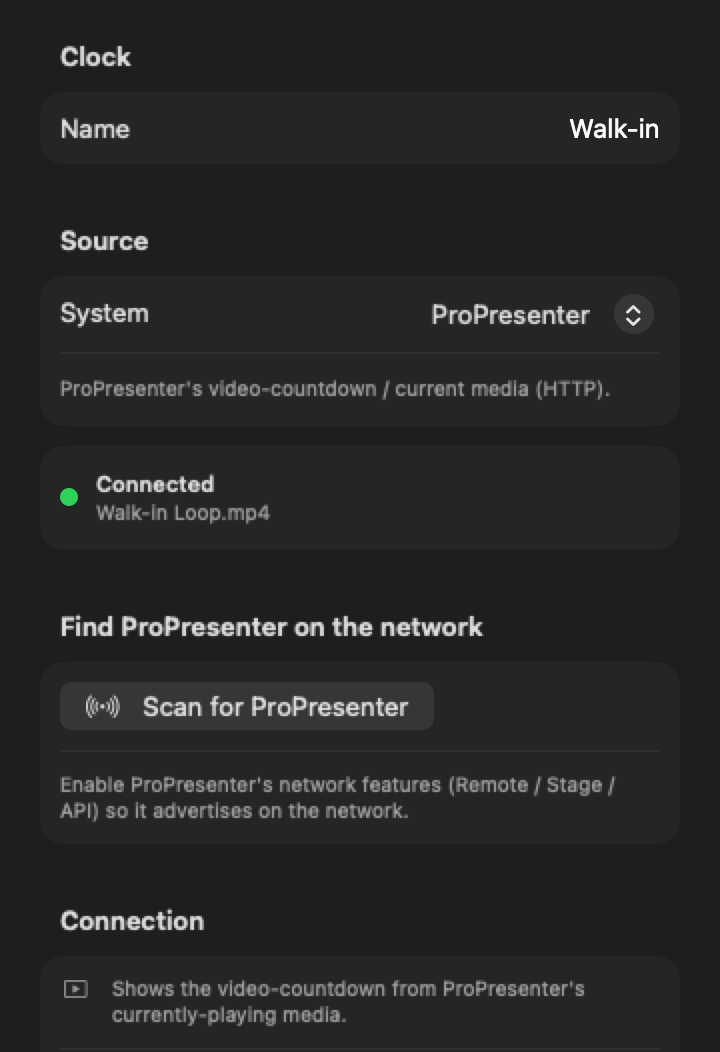
ProPresenter 7 with its network API turned on (Settings ▸ Network). Cadence and ProPresenter need to be on the same network, or on the same Mac.
Yes. In Video countdown mode Cadence follows the time left on the playing media. Put it on any display Cadence drives, including a stage or confidence monitor.
Yes. In Timer control mode it sets, starts, stops and resets one of ProPresenter's timers and mirrors its value.
No. Cadence is a separate output. It reads ProPresenter's time and shows it on the screens Cadence drives.
Yes, as long as ProPresenter's network API is on. Use the host 127.0.0.1 or pick it from the list.
The Cadence beta is free: every feature unlocked for 2 months, on up to 2 Macs.