In the app
The real thing, not a mock-up.
Cadence itself, running a demo show. Clips are recorded in real time from Cadence's own renderer.
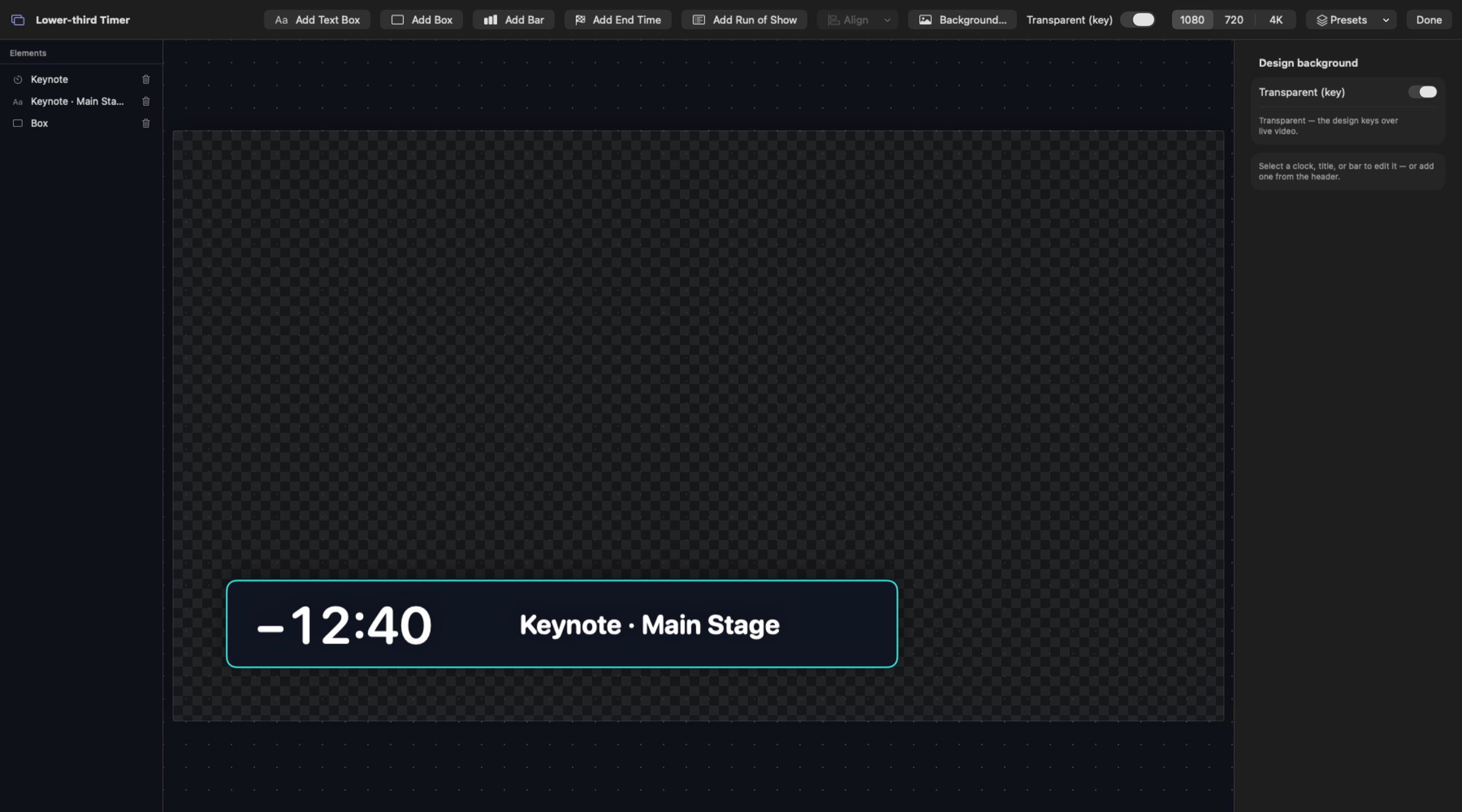
Cadence drives Blackmagic DeckLink cards directly. Your timers and clocks go out as a clean SDI feed at 59.94, with an optional key matte on a second output for your switcher's keyer.
Install Blackmagic Desktop Video and connect your DeckLink. Cadence finds devices when it opens, so if you connect one later, quit and reopen Cadence.
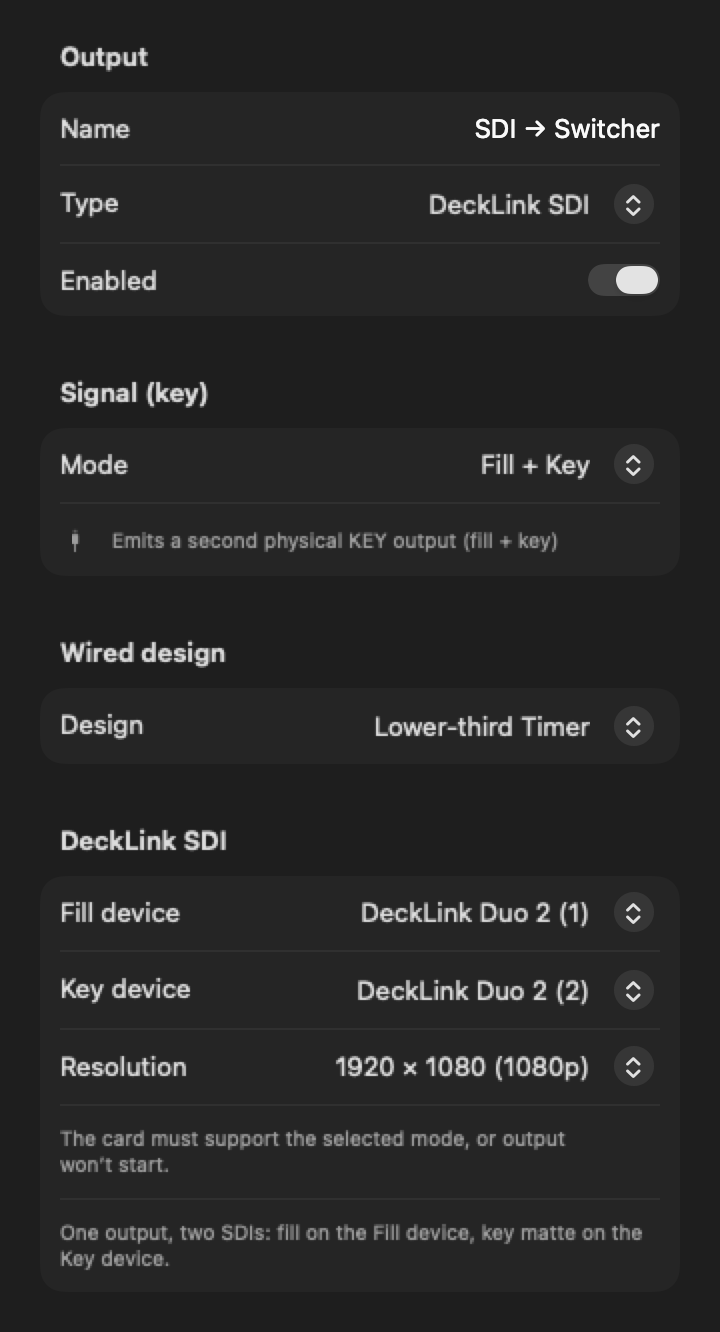
Choose Outputs ▸ DeckLink SDI, pick the device and a resolution, and wire your design in. The panel shows the video mode it chose, such as 1080p59.94.
Set Signal (key) to Fill + Key: the fill goes out on the Fill device and the matte on the Key device, ready for your switcher's keyer.
Cadence itself, running a demo show. Clips are recorded in real time from Cadence's own renderer.
One Cadence output drives two SDI outputs: the picture on one, a matching key matte on the other. Or send Key only.
Cadence picks 59.94p at the size you choose when the card offers it, falls back to 29.97p, and tells you the exact mode.
Choose 1280 × 720, 1920 × 1080 or 3840 × 2160. UHD needs a card that supports it.
Add a DeckLink output per device: a stage clock on one SDI, a countdown for the switcher on another.
SDI and NDI outputs share one GPU frame clock, so the same design on both shows the same frame.
SDI output runs entirely on the Mac, so a lost connection never touches the feed.
Cadence doesn't lock to a reference input, so the output isn't genlocked to house sync. Video is 8-bit, with no SDI audio or embedded timecode. The card must support the mode you pick, or the output won't start.
Any Blackmagic DeckLink device that Desktop Video supports on your Mac and that offers the mode you choose. Cadence asks the card for its supported modes and shows the one it picked.
Yes. Use Fill + Key to send the picture and a matte on two SDI outputs into your switcher's keyer.
You can choose 3840 × 2160 (UHD). It works when your DeckLink card supports that mode.
No. Cadence doesn't lock to a reference input.
Cadence looks for devices when it opens. Quit and reopen it.
The Cadence beta is free: every feature unlocked for 2 months, on up to 2 Macs.